 Saudi Arabia
 Bahrain
 QatarComing soon
 United Arab EmiratesComing soon
 KuwaitComing soon
 OmanComing soon
In short
- Set up a WhatsApp Business account: name, logo, catalogue and quick replies.
- Start with a list of businesses that fit your product, by activity, city and sub-category.
- A short, personal first message with one offer, then quick follow-up without pestering.
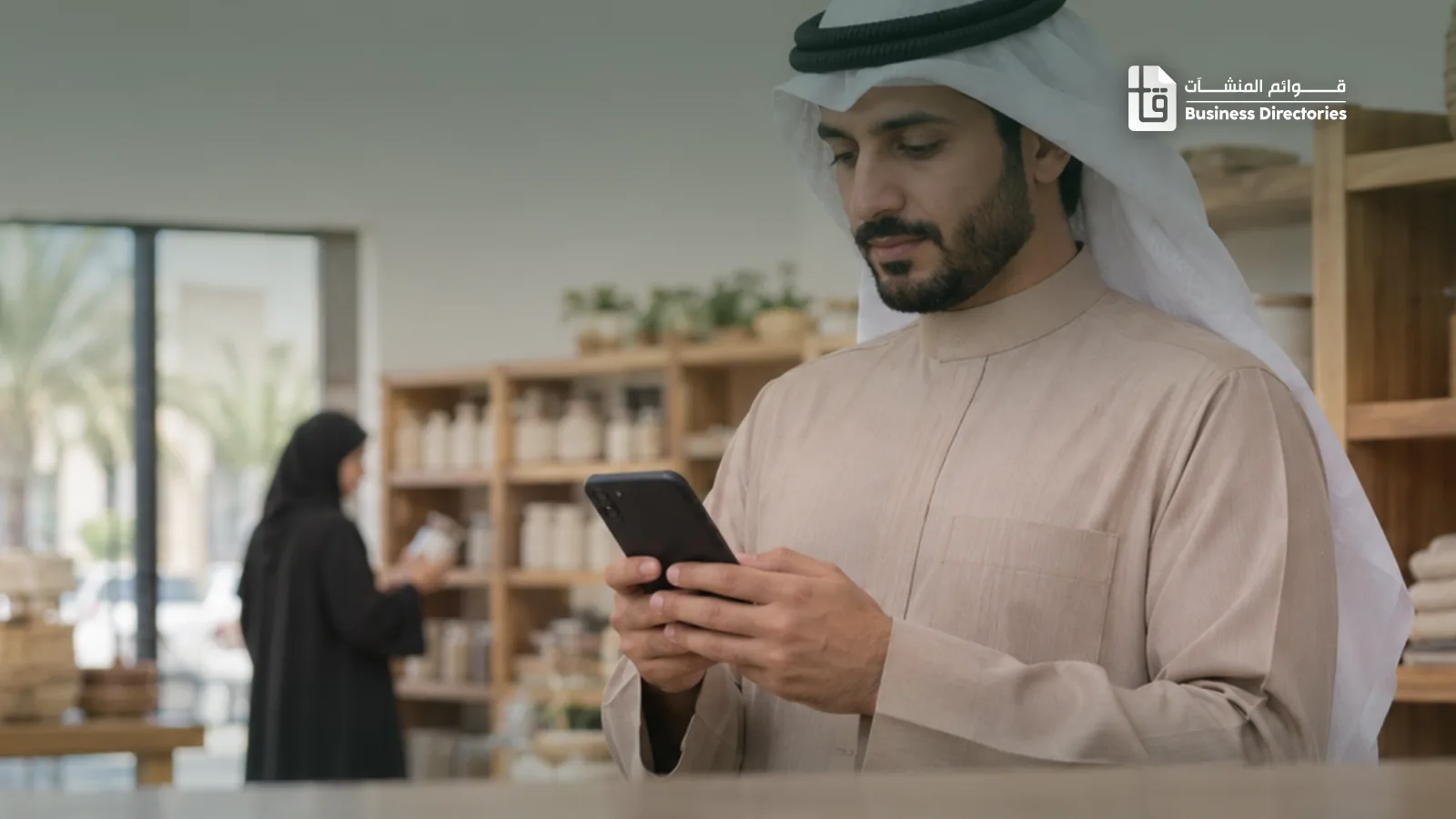
In Saudi Arabia, WhatsApp is one of the first apps people open in the morning, and business owners are no exception. That makes WhatsApp marketing one of the closest routes to your customer: a direct message that lands on their phone, and they can reply on the spot. But there's a big gap between a message that opens a door and one that's deleted unread. This guide walks you through it step by step.
What is WhatsApp marketing?
Simply put: you use WhatsApp to introduce your product or service to businesses or customers, and open a conversation that leads to an order. It can be an introduction to a new customer, an offer to your current customers, or a follow-up after a call.
Its edge over email and ads is that it's personal and fast. Someone who replies on WhatsApp is usually genuinely interested, and the chat itself becomes your sales channel.
Set up your account before the first message
Don't send from your personal number. Install the free WhatsApp Business app and complete your profile:
- Business name and logo: the first thing the reader sees, and it decides whether they trust you.
- A short description, opening hours and location: two lines are enough to say what you offer and to whom.
- The catalogue: add your products or services with prices, so customers can browse without asking about everything.
- Quick replies and labels: prepare answers to common questions, and label chats (new customer, awaiting payment, ordered) so no one slips through.
Most Saudi business owners write in Arabic. If you don't, keep your messages short and simple, and have an Arabic version of your main offer ready.
Start with a tidy list, not random numbers
WhatsApp marketing succeeds before the message is written: with the list you send it to. A great message sent to the wrong business brings nothing.
Define your customer exactly: which activity? Which city? Which sub-category? A coffee-cup supplier wants cafes, not every restaurant. An interior design studio wants real estate offices in Riyadh more than most.
Before you choose, see how many businesses in each activity you can reach on WhatsApp. Most activities are close to all of them; where the share is lower, plan calls or visits alongside WhatsApp.
| Activity | Share |
|---|---|
| Barber shops | |
| Online stores | |
| Marketing and advertising | |
| Bakeries and sweets | |
| Law firms | |
| Engineering offices | |
| Real estate offices | |
| Restaurants | |
| Contracting companies | |
| Cafes | |
| Groceries and supermarkets | |
| Hotels and resorts | |
| Factories and plants | |
| Schools and kindergartens | |
| Hospitals and medical centers |
Source: the Business Directories database, November 2026. The numbers show what our database covers, not the size of the whole market
Our lists are organised exactly like thisEvery business with its name, sub-category, city and mobile, plus WhatsApp where available. The file is yours the moment you pay.
Browse the ready lists →Write a message that gets read
The first two lines decide your message's fate. Keep it short, talk to one business, and make one clear offer:
- Start with them, not you: mention their name, activity or district.
- One offer with a number: a price, a discount or a delivery time.
- End with an easy question: a first message aims to open a conversation, not to sell.
“Good evening. We noticed your cafe is in Al Shati. We make paper cups printed with your logo at wholesale prices, delivered in 3 days. Shall I send you our prices?”
Want more examples, and a way to measure your messages? Read WhatsApp ads: how to write, send and measure them.
Broadcast lists, Status and Channels
Once conversations start, WhatsApp gives you tools to reach several customers at once:
- Broadcast lists: you send one message to a group, and each person gets it as a private message. Note: it only reaches people who have saved your number, so it's for your customers and people who contacted you before.
- Status: short photos and videos of your offers and work, seen by people who saved your number.
- Channels: if many customers like to follow your news, a channel lets them follow you on their own.
And never add anyone to a group without their permission. It's one of the fastest ways to get banned.
Reply fast and follow up
Anyone who replies expects a quick answer. Wait a day and their interest has usually gone, or they've called your competitor. Turn on the greeting and away messages, and put someone in charge of chats during working hours.
And those who don't reply? One follow-up after a few days is enough, with different wording or another offer. More than that becomes a nuisance. For the full sequence, read The art of cold outreach to new customers.
Respect the reader and their privacy
Say clearly who you are, give an easy way to stop the messages, and never message again someone who asked you to stop. That's professional, and it protects your number from reports and bans.
If you'll send to large numbers, use the WhatsApp Business Platform through an approved provider instead of the app. The platform charges per message, and requires the reader's consent and approved message templates.
Didn't find the activity or city you need?We build a custom list by activity, city and sub-category.
Order a custom list →The bottom line
Successful WhatsApp marketing follows four steps: a tidy business account, a list of businesses that fit you, a short and personal message, and fast follow-up. Start with a small number, see what gets replies, then scale. If you're a supplier, see who buys from a supply business and how to start with them.
You may also like: Saudi company phone numbers: where to find them and how to call them
Frequently asked questions
What matters most so my number doesn't get banned?
Short messages to a group they fit, no repetition, and a clear way to stop the messages that you respect. For large numbers, use the WhatsApp Business Platform through an approved provider instead of the app.
What's the difference between the WhatsApp Business app and the WhatsApp Business Platform?
The app is free and suits small numbers and daily contact with your customers. The platform charges per message, and suits sending to large numbers with approved templates and the reader's consent.
Why didn't my broadcast message reach some people?
Broadcast lists only reach people who have saved your number. For new customers, start with a one-to-one message, and add them to broadcast lists once they've been in touch.
How many messages should I send a day?
Start small and grow gradually, watching replies and reports. A new number that sends to large numbers all at once is more likely to be banned.
What should I write in the first message?
Say who you are, why you're contacting this business, and ask an easy question. Make opting out clear, and never message again anyone who asks you to stop.
The Sales Line newsletter every Sunday, in your inbox
One practical idea, the latest articles, and what's new in the lists.
No spam: we use your email only for the newsletter and our offers, and we never sell it. You can stop the emails with one click.